Rogue Robot - Overview

Your team hurries to the Smith Family residence to see how you can help.
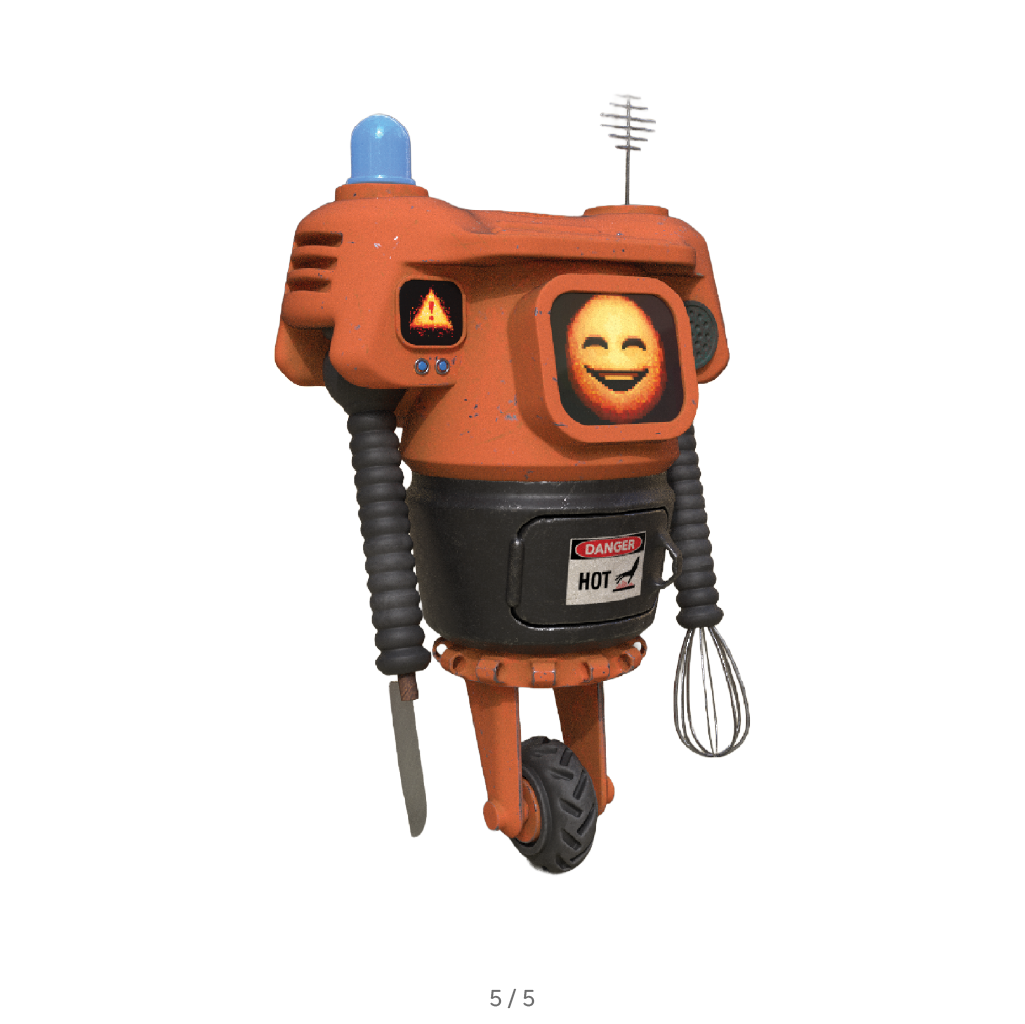
When you arrive, the place seems deserted… all except for the robot, which is racing around, waving its arms in the air!
Immobilise the robot
Be careful, the robot might be dangerous, so you’re going to have to immobilise it before you can continue the investigation safely.
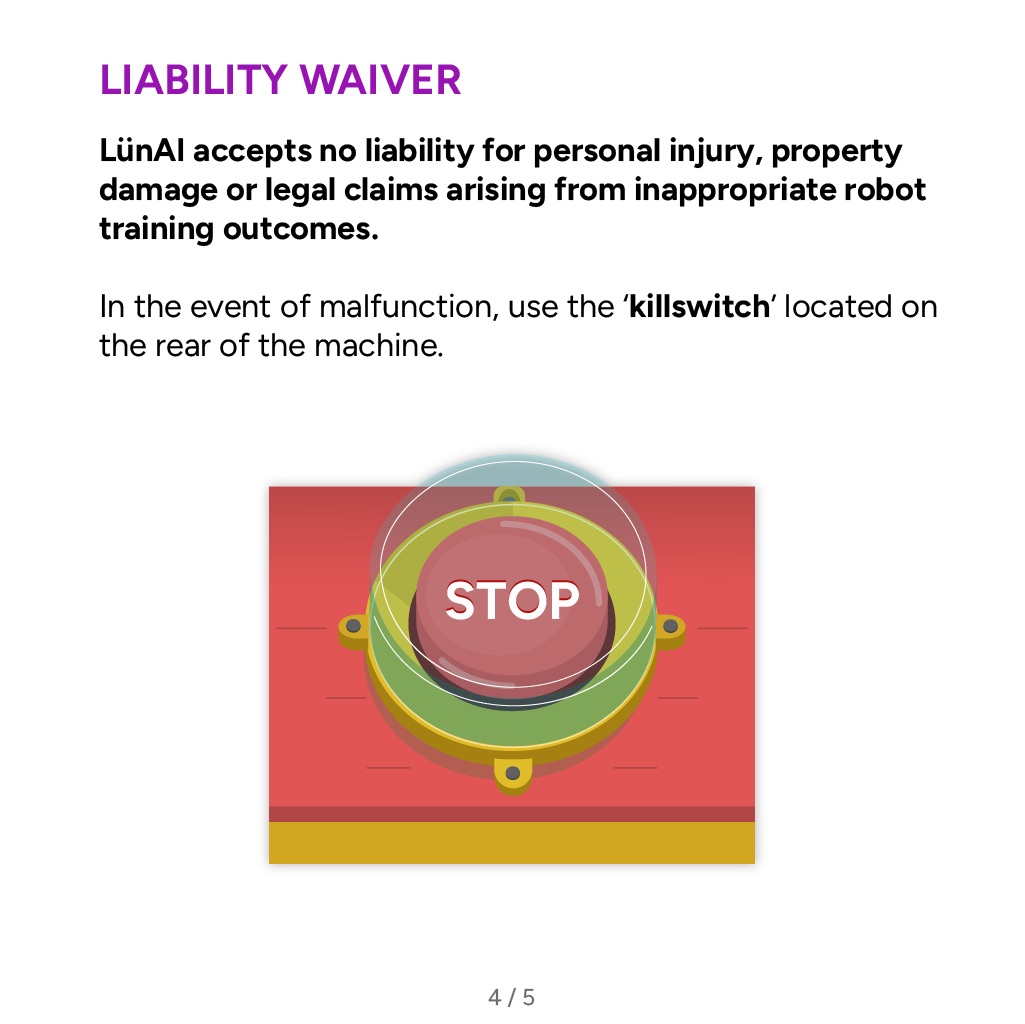
Better check what the user manual says about shutting it down in emergencies.
Search for clues
Something doesn’t feel right. Like, maybe even something bad happened here. See if you can find any clues to shed light on the situation.
If you see something interesting, touch it and Pythia, your AI guide, will make an entry in the investigation file.
Navigation
A map shows you the number of items in each room and how many you have already discovered.
You can also tap on locations to teleport to different places.
Insider info
There are 18 items for you to discover and points will be awarded for every item you find.
But be careful not to rush the investigation. Take it one item at a time. And if Pythia is talking, pay attention, because she won’t tell you twice!
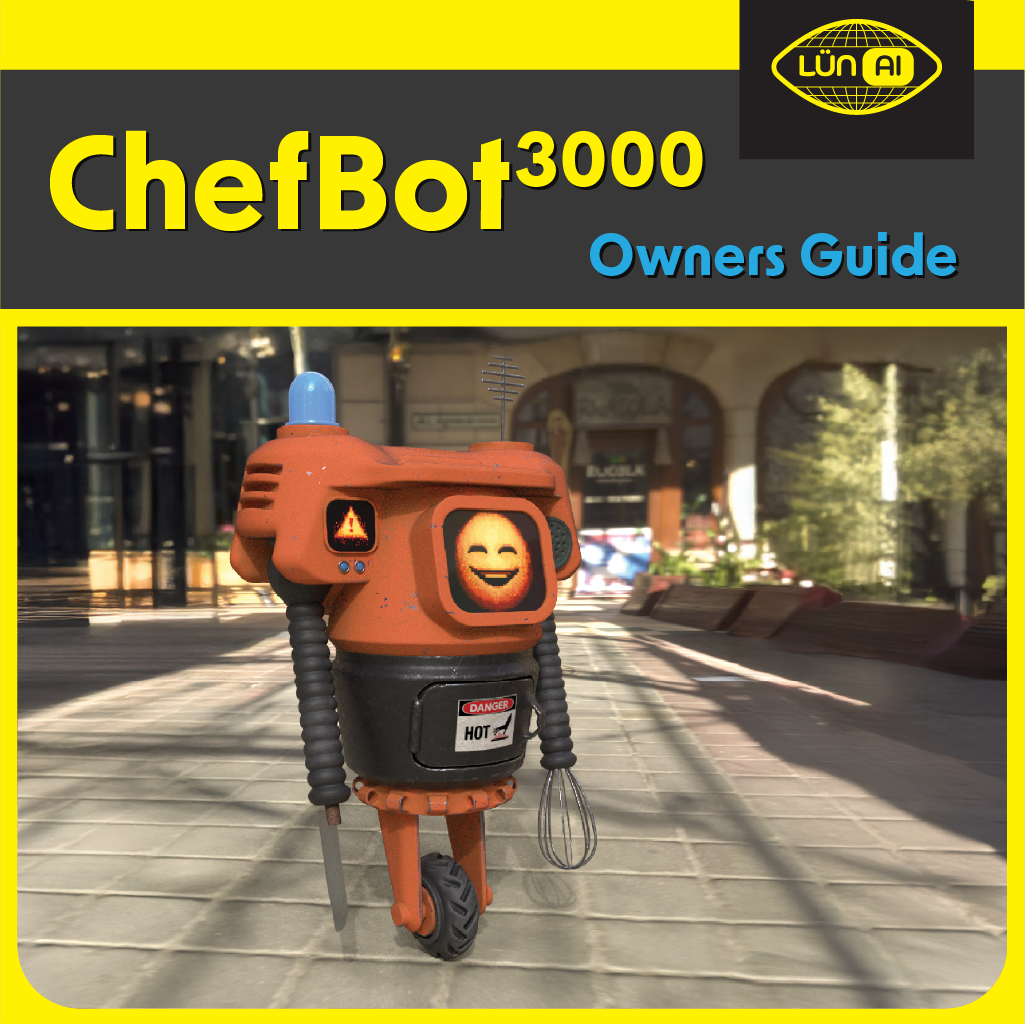
ChefBot 3000 User Manual
-
![]()
Page 1
-
![]()
Page 2
-
![]()
Page 3
-
![]()
Page 4
-
![]()
Page 5
-
![]()
Page 6
-
![]()
End


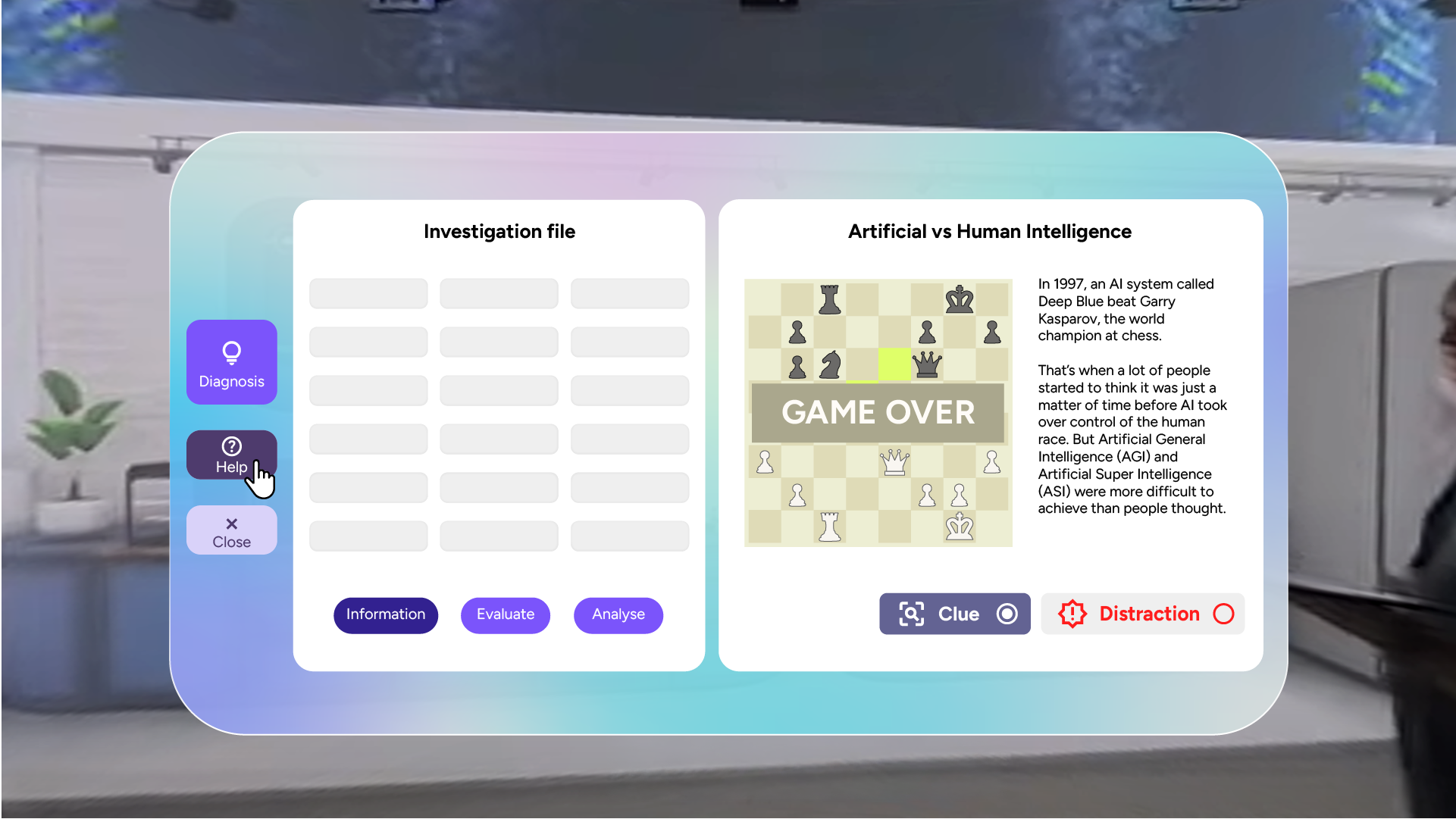
Investigation file
Whenever you discover a new item in the Smith Family residence, it will be added to the investigation file.
-
Selecting an item in information mode displays useful information about it in the panel on the right hand side.
-
Use the Clue and Distraction buttons below the information to record whether you think this item provides a clue or a distraction about the cause of the robot’s malfunction.
-
You can also use the buttons in the investigation file to move your investigation forward.
Evaluate or analyse your discoveries and when your investigation is complete and you think you know what caused the robot’s malfunction, select Diagnosis to complete the team’s mission.